
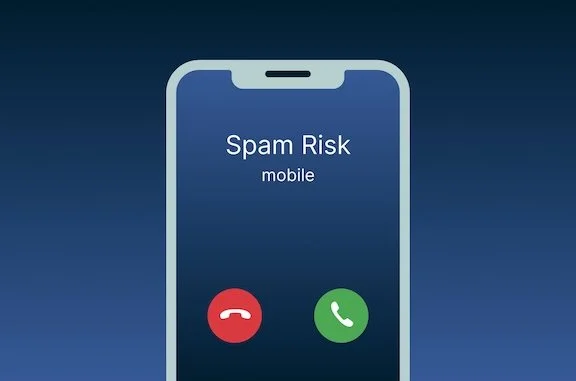
We’ve all been there. The phone rings and we see “Spam Risk”. Once is frustrating, but if you’re like me it’s a far too-common occurrence. Fortunately, taming spam calls on your iPhone can be done with just a few easy clicks.
First, tap into Settings
Then scroll down and tap Apps (it’s all the way at the bottom)
Among the Apps scroll and tap into Phone
Find Silence Unknown Callers. Tap that and then tap the slider to turn it on
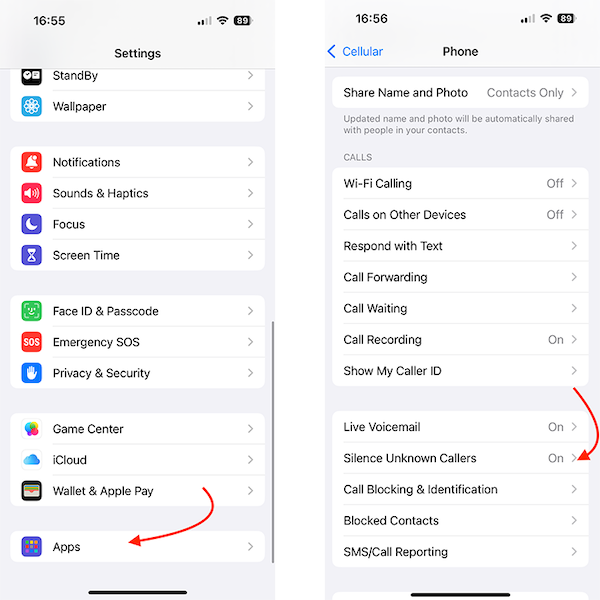
That’s it. Going forward, any number that’s not in your contacts list will not ring your phone and will be redirected to voicemail. HOWEVER, when you give your number to someone new, you will need to either add them as a contact in your iPhone’s Contacts app (not Outlook or Google) or warn them that they may have to leave a message the first time.