
Spotting Malicious File Extensions
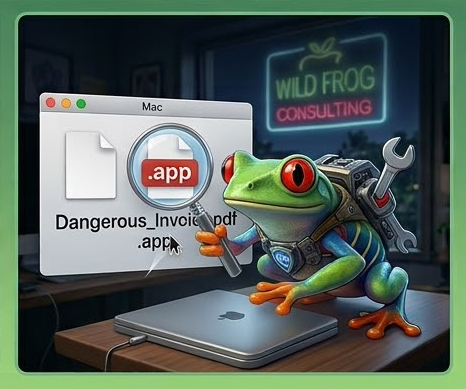
Cybercriminals often disguise malicious programs as ordinary documents to trick you into running them. A common trick is sending a file named something like Invoice.pdf.app or Contract.docx.exe. By default, macOS sometimes hides file extensions, making a dangerous app look like a harmless PDF.
To protect yourself, make sure your Mac always shows full file extensions: open Finder, go to Finder Settings-> Advanced, and check "Show all filename extensions."
Rule of thumb: If a file claiming to be a PDF, image, or document ends in .app, .dmg, .sh, or .exe, do not double-click it. Report it to our team immediately so we can inspect it safely.