
Turn Any Website into a Mac Desktop App
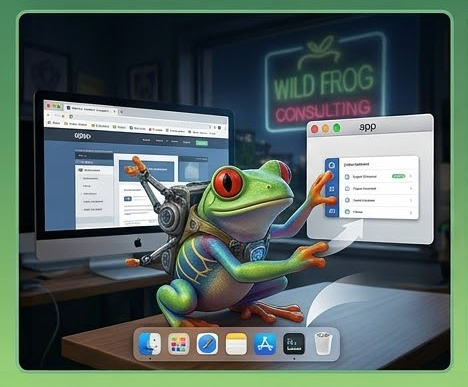
Do you use web-based tools like webmail, project management dashboards, or client portals all day long? Instead of letting them get lost in a sea of browser tabs, you can turn any website into a standalone Mac desktop app.
If you use Safari, open the site, click File > Add to Dock. If you use Chrome, click the three dots menu-> Save and Share-> Create Shortcut (and check "Open as window").
This creates a dedicated icon in your Mac's Dock and Launchpad. The site opens in its own clean window, receives its own notifications, and keeps your browser tabs uncluttered!