Mac Tip: How To Disable Safari’s Color Tinting in macOS Tahoe
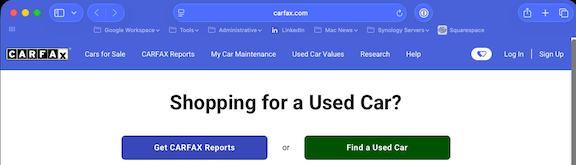
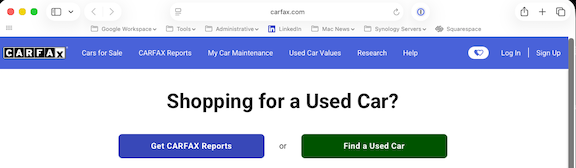
With every new release of macOS, there seems to be a default setting that most people want to immediately turn off. In macOS Tahoe, it tends to be Safar’s color tinting. What’s color tinting in Safari? Well. . .Apple thought it might be a nice idea to have the entire top tool bar march the header colors of each website. Never mind how those colors may cause the text in the tool bar to blend in or get washed out, making things all but unreadable.
How to turn it off?
From Safari, pull down the ‘Safari’ menu and choose “Settings”
Go to “Tabs”
Uncheck the box for “Show color in tab bar” to disable color tinting in Safari on Mac
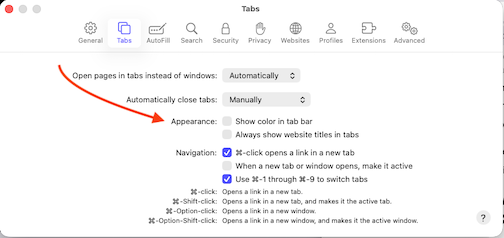
The changes take effect immediately, so you can close the Safari settings window. You’ll now see your Safari window the same way you’re used to.