
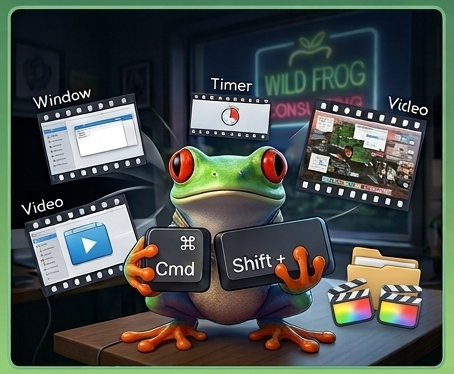
Most Mac users know Cmd + Shift + 4 lets you drag a box to take a screenshot. But did you know about Cmd + Shift + 5? Pressing this opens up Apple’s complete screen capture toolkit, giving you options to capture an entire screen, a single window, or even record a video of your screen (perfect for showing a coworker how to do something step-by-step!).
You can also set a timer or change where your screenshots automatically save, keeping your desktop from becoming a cluttered mess of image files.
Keeping a clean, organized digital workspace makes it easier to spot strange files or unexpected software downloads. Have fun trying out the new shortcut this week!